How do I edit what the narrator says?
The whole script is editable text. Each paragraph plays over one photo, so fixing a line is just rewriting it.
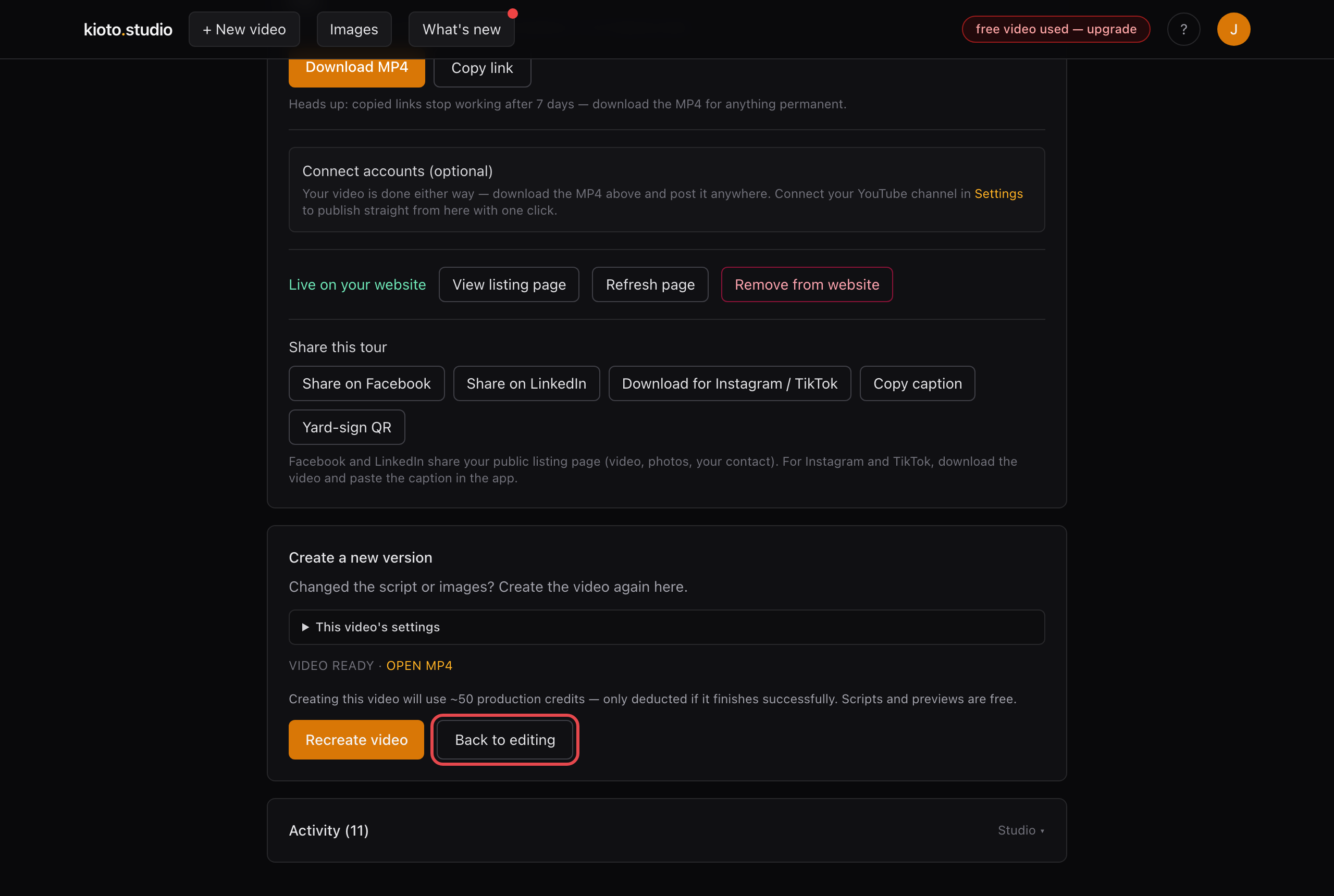
- Open your video and click “Back to editing.”
- Scroll to the Narration box. Whatever paragraph follows a photo's tag is what plays over that photo — rewrite any line the way you'd say it.
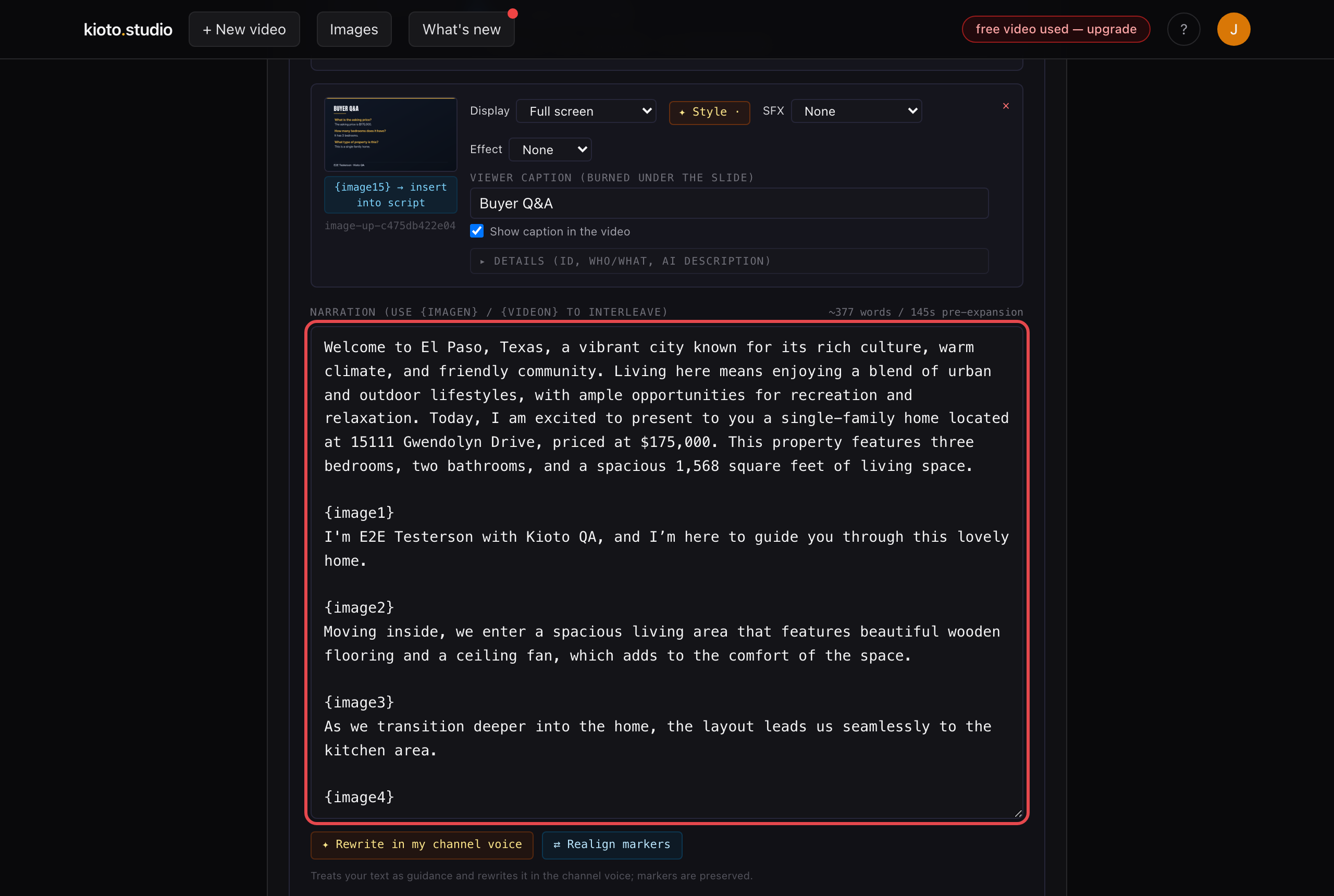
One paragraph per photo. The example uses our John Doe demo listing.
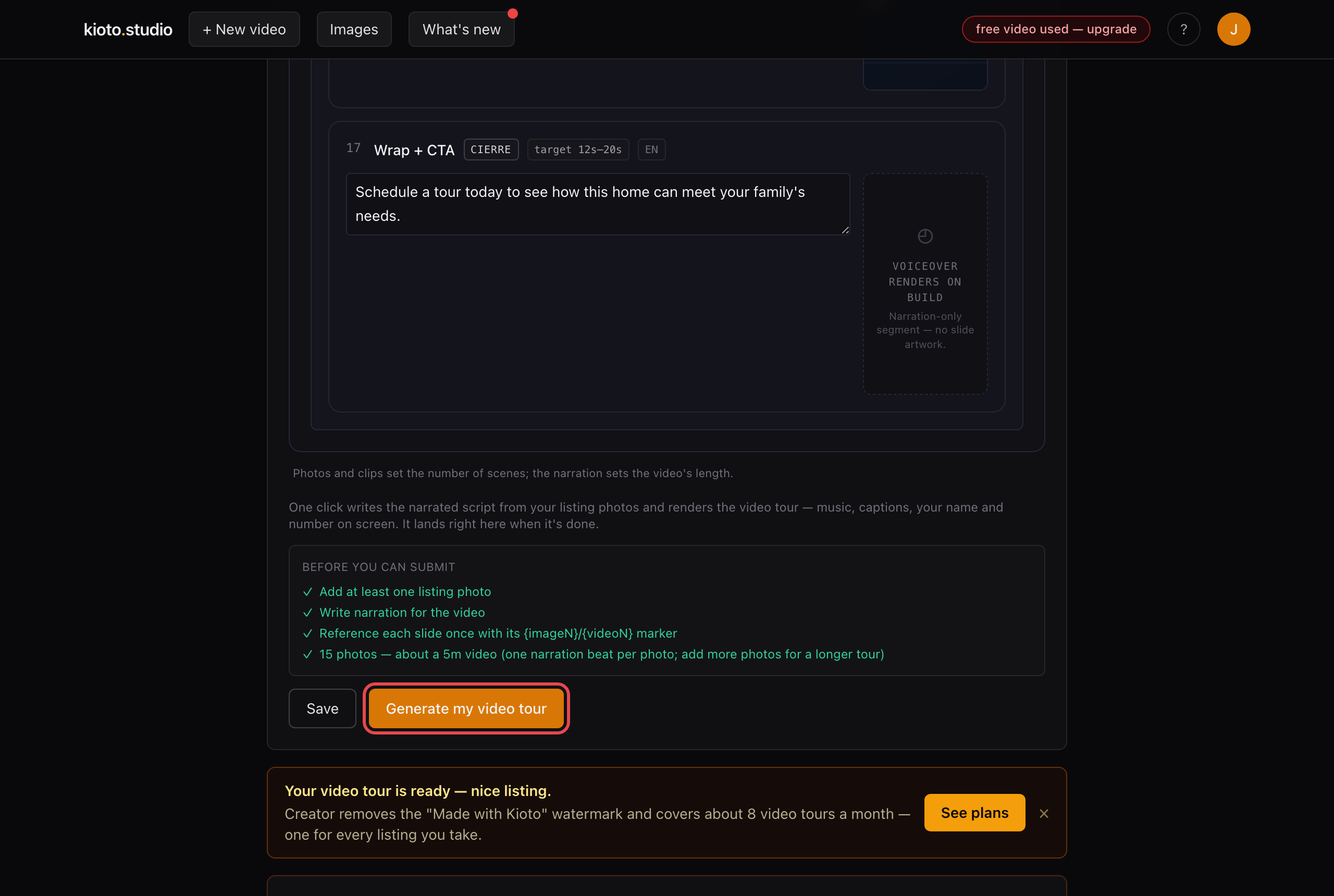
- Click “Generate my video tour” to render the new cut.
Prefer we do it for you? Reply to any Kioto email with what you want changed and we'll handle it the same day.