How do I get a QR code for flyers and yard signs?
Every listing page ships with a print-ready QR code — add /qr.png to your page address and it's yours.
- Take your listing page address and add qr.png to the end — for example kioto.ai/a/john-doe/123-harborview-ln/qr.png. That image is print-ready.
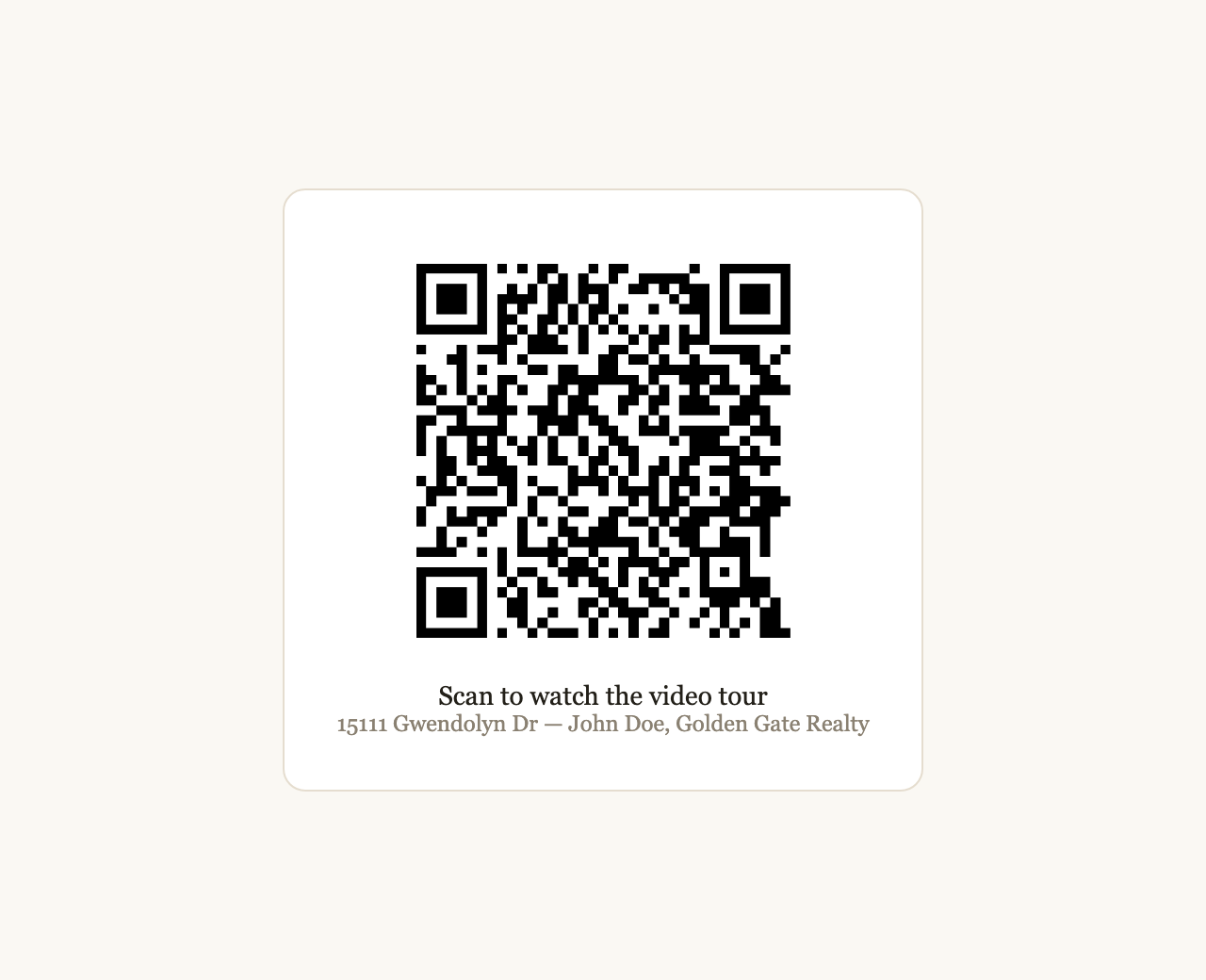
The QR opens your listing page — and your video — on any phone.
- Print it on flyers, postcards, open-house sheets, and yard-sign riders. Buyers scan it at the curb and watch the tour on the spot.
Prefer we do it for you? Reply to any Kioto email with what you want changed and we'll handle it the same day.