How do I make more videos for the same listing?
Serious listings don't stop at one video. Different buyers stop scrolling for different things — a new opener, a tighter cut, a twilight angle. Each render is a fresh video, and you keep them all.
- Open your video and click “Back to editing.”
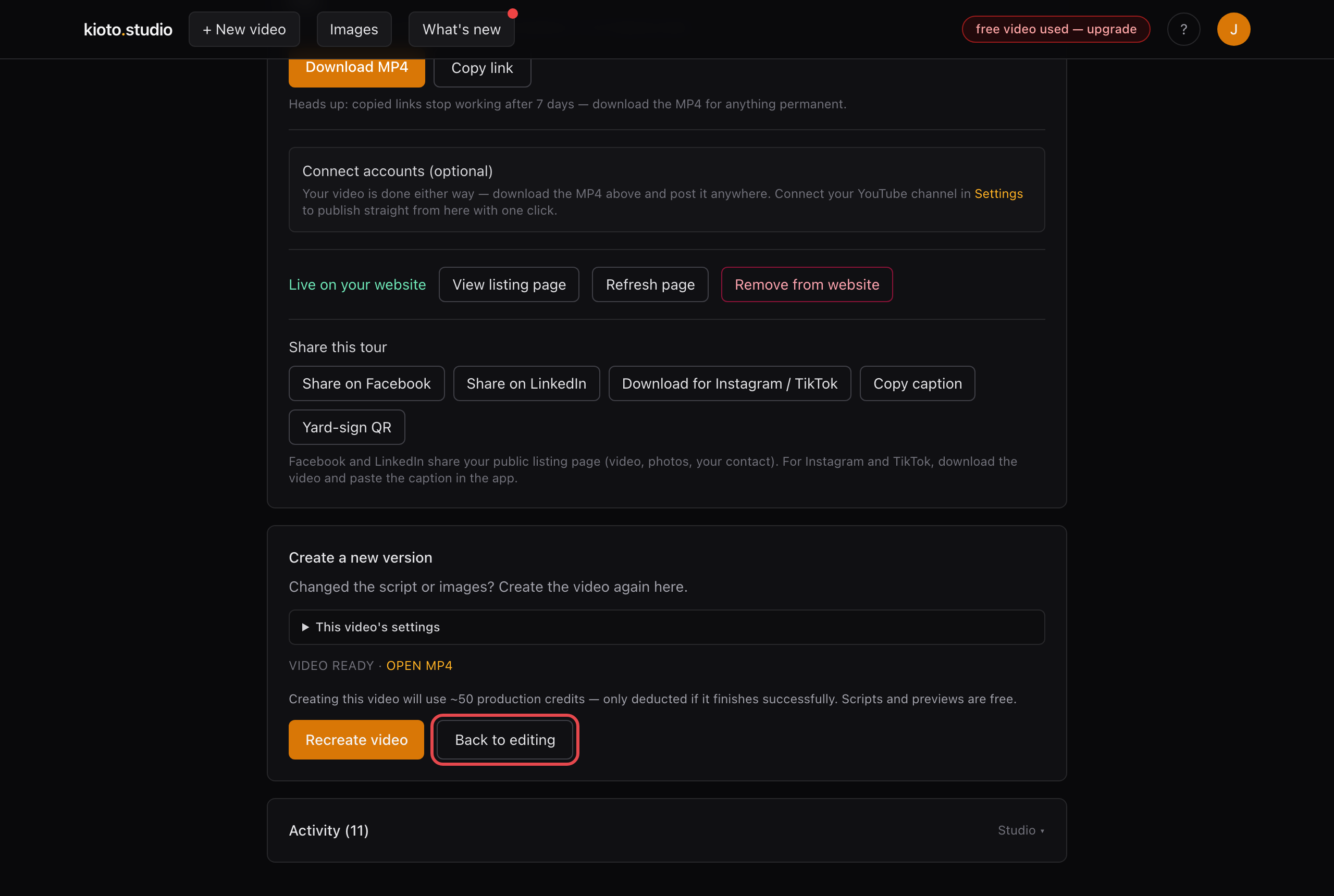
Every finished video can go back to the editing room.
- Change anything — the opening line, which photos are in, the length, the voice.
- Click “Generate my video tour” again. The new cut renders alongside the old one — nothing is overwritten.
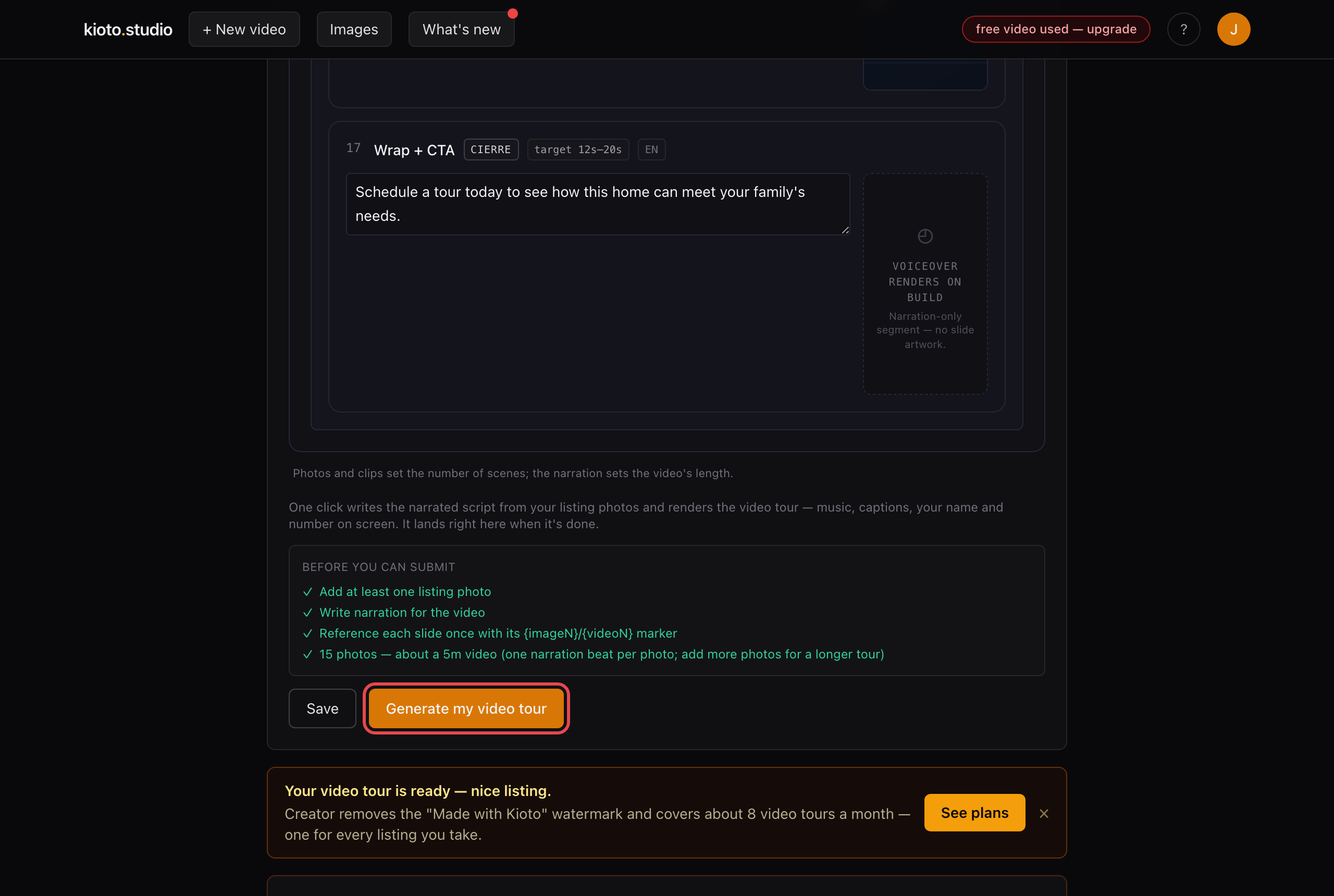
Agents who win attention keep new cuts of the same address flowing the whole time it's on the market. Prefer we do it for you? Reply to any Kioto email with what you want changed and we'll handle it the same day.