How do I change the narrator's voice, style, or speed?
Pick a different narrator, adjust the delivery style, or slide the speaking pace — captions stay in sync automatically.
- Open Settings → Presenter. “Narrator voice” picks who speaks (press Play to hear a sample). “Voice style” shapes the delivery. “Voice speed” sets the pace as a percentage of the voice's natural rate.
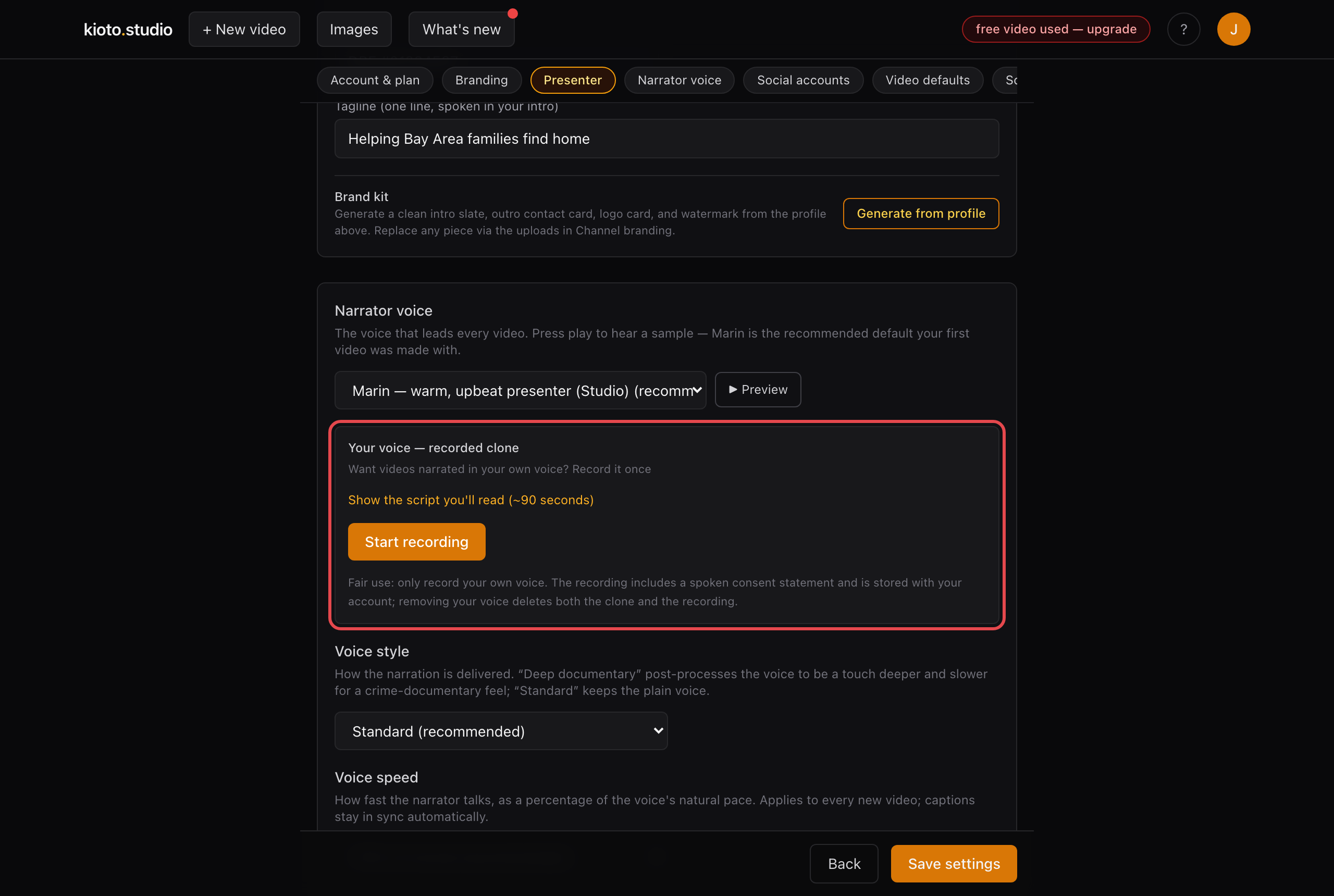
Voice, style, and speed all live in Settings → Presenter.
- Save, then re-render any video you want updated — settings apply to every new render.