How do I narrate videos in my own voice?
Record about 90 seconds once, and every video is narrated in YOUR voice, with your delivery. Nobody sells your listings with more personality than you.
- Open Settings → Presenter and find “Your voice — recorded clone.”
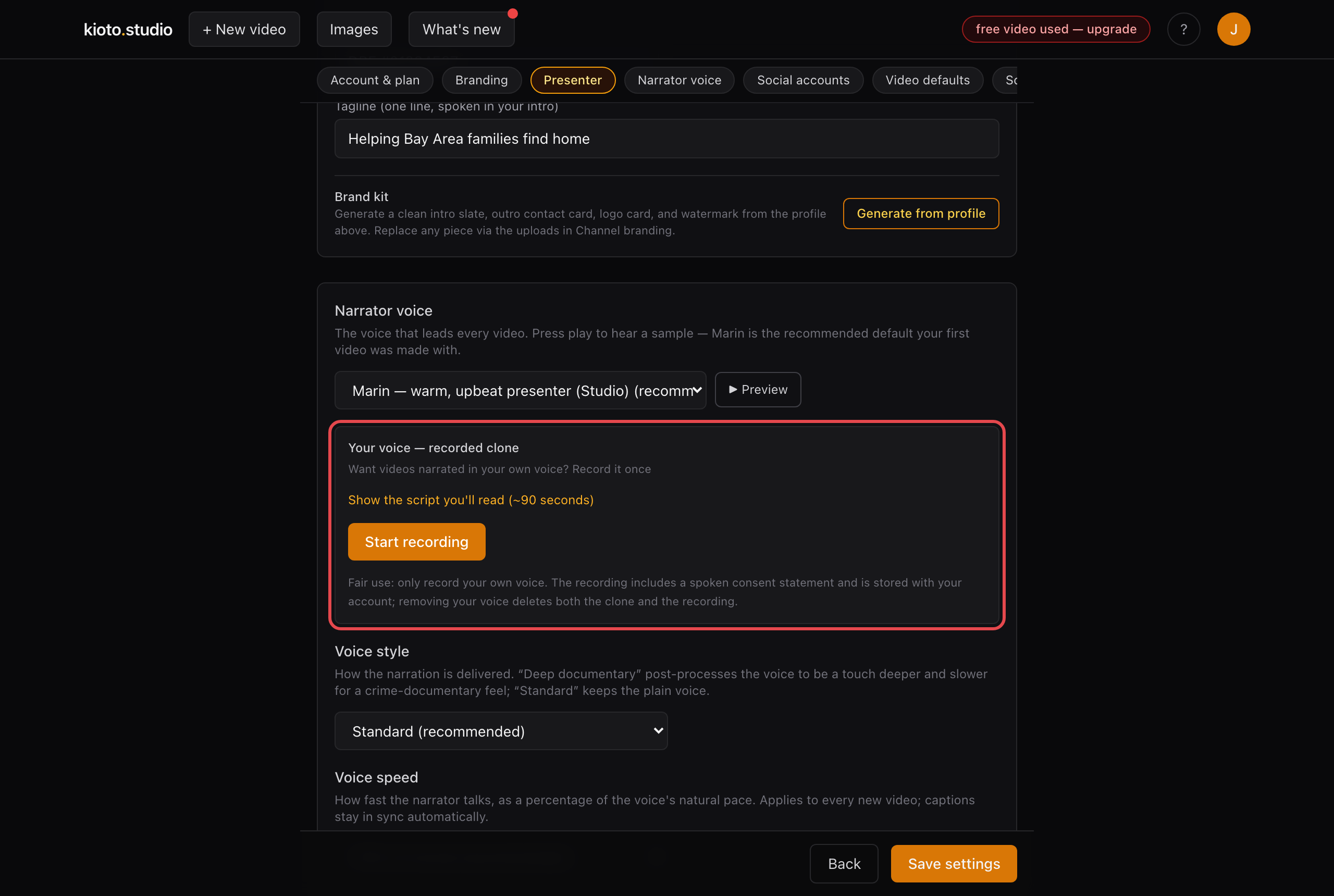
Settings → Presenter. The script you'll read is shown before you start.
- Click “Start recording” and read the on-screen script (about 90 seconds). It includes a spoken consent statement, and the recording stays with your account — removing it deletes the clone too.
- That's it. Every new video narrates in your voice. Existing videos keep their original narration until you re-render them.
Fair use: only record your own voice.