How do I make a video for a brand-new listing?
Copy the listing's link, paste it into Kioto, click Create video. We pull the photos and draft the narration for you.
- Copy your listing's link from wherever it lives — Zillow, Realtor.com, Redfin, Trulia, Homes.com, or your brokerage page.
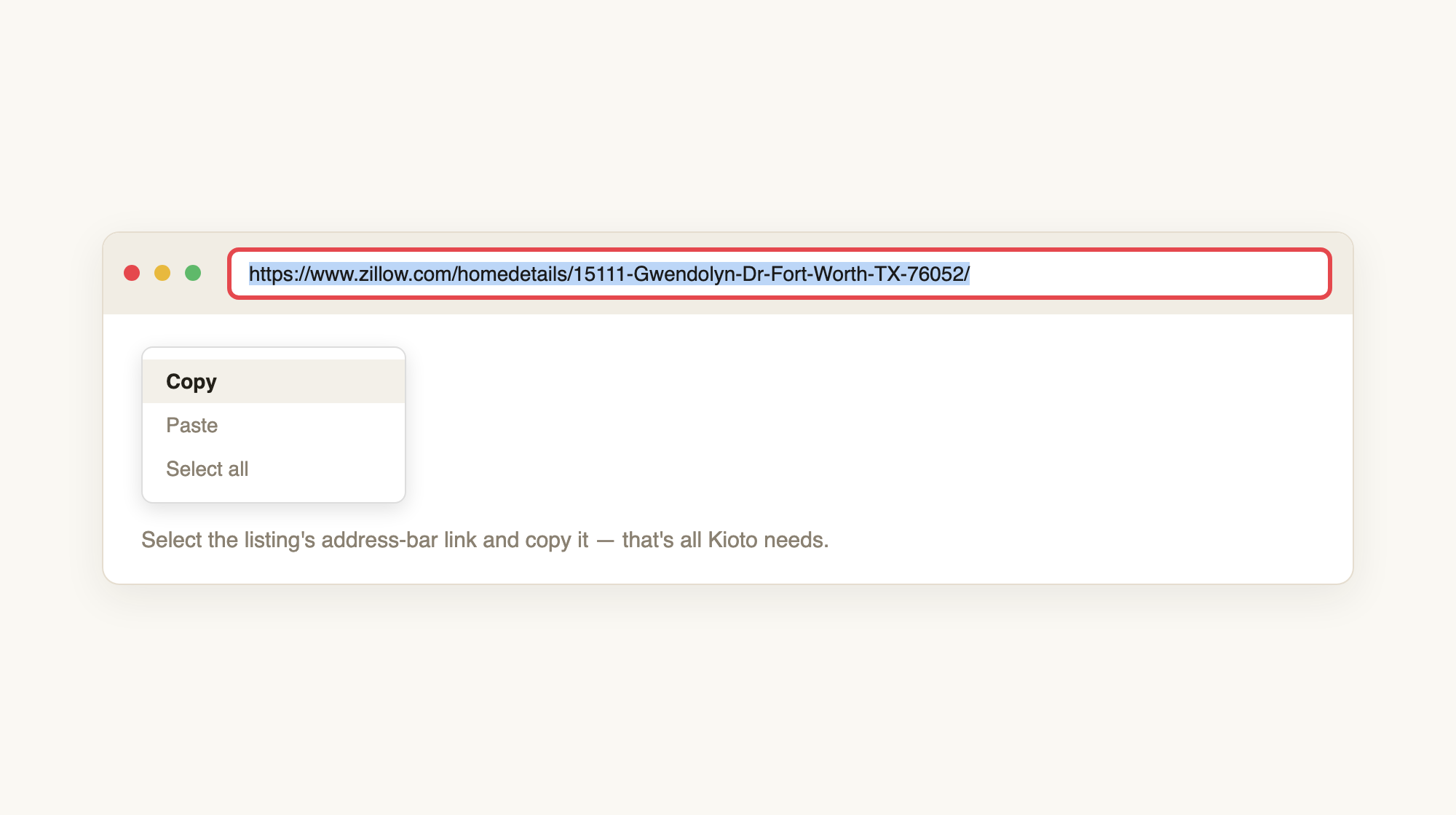
Any listing URL works — copy it straight from the address bar.
- In your studio, click “+ New video” (top right).
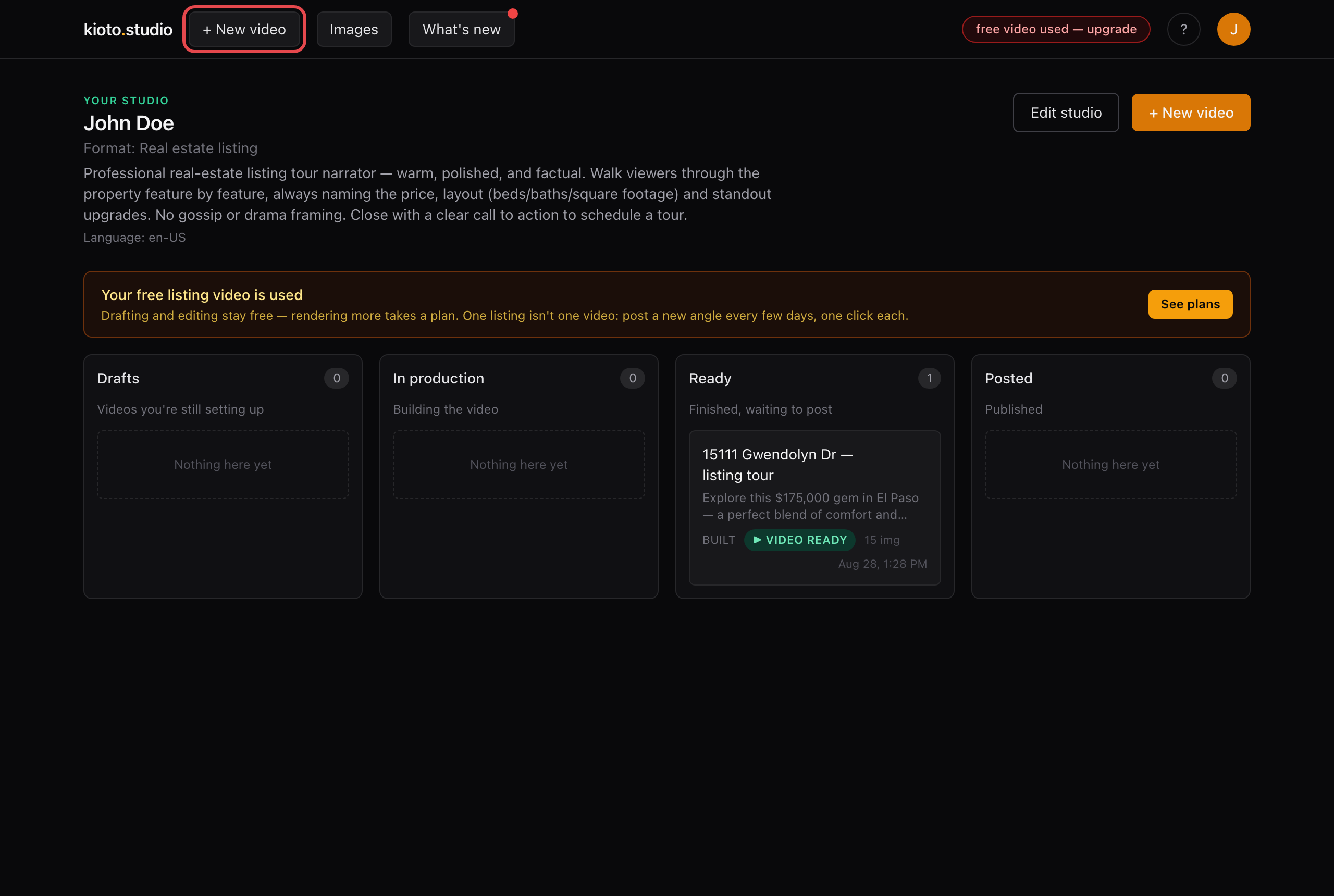
- “Start from a listing link” is already selected — paste the link in the box.
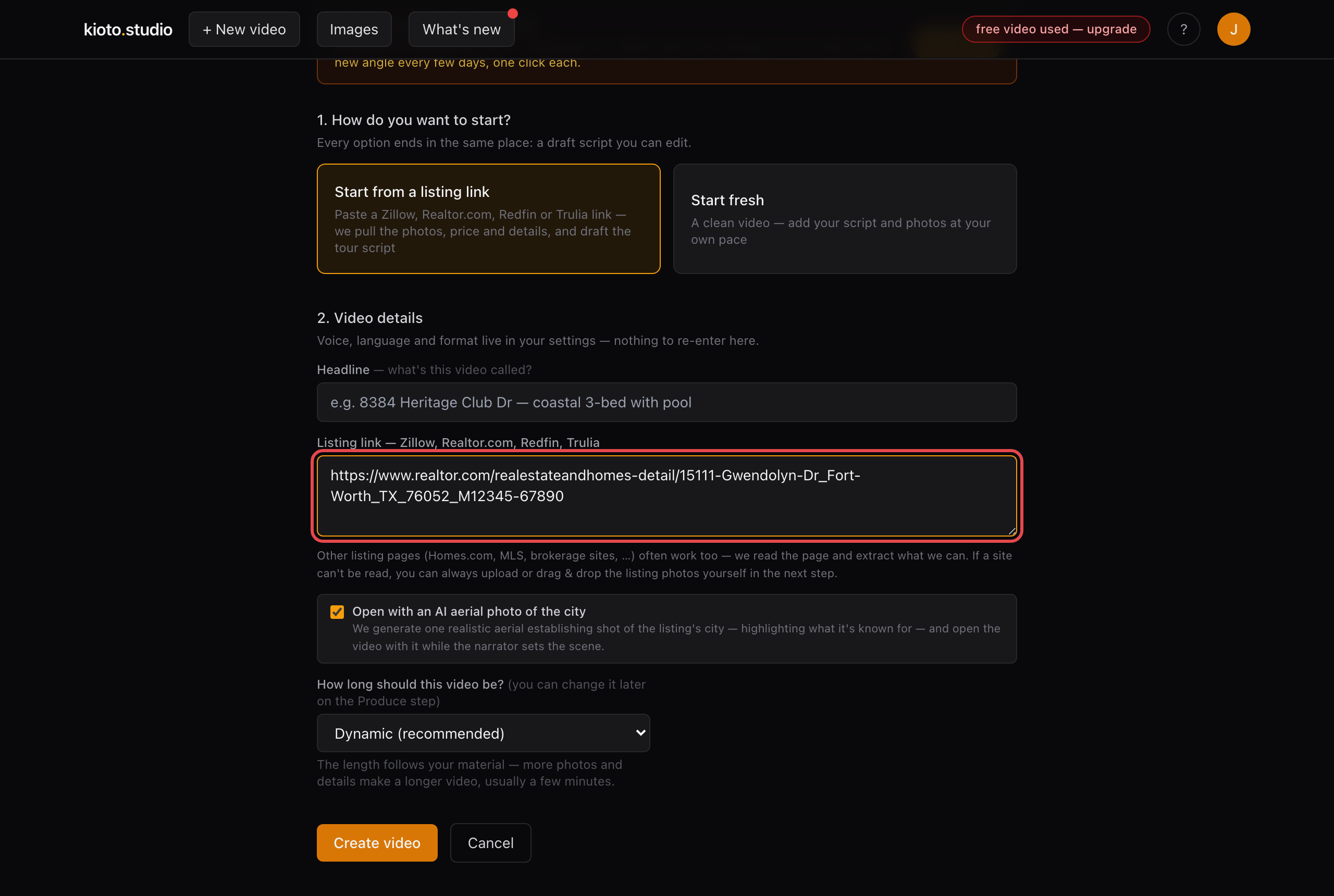
Paste one link (or several — one video per listing).
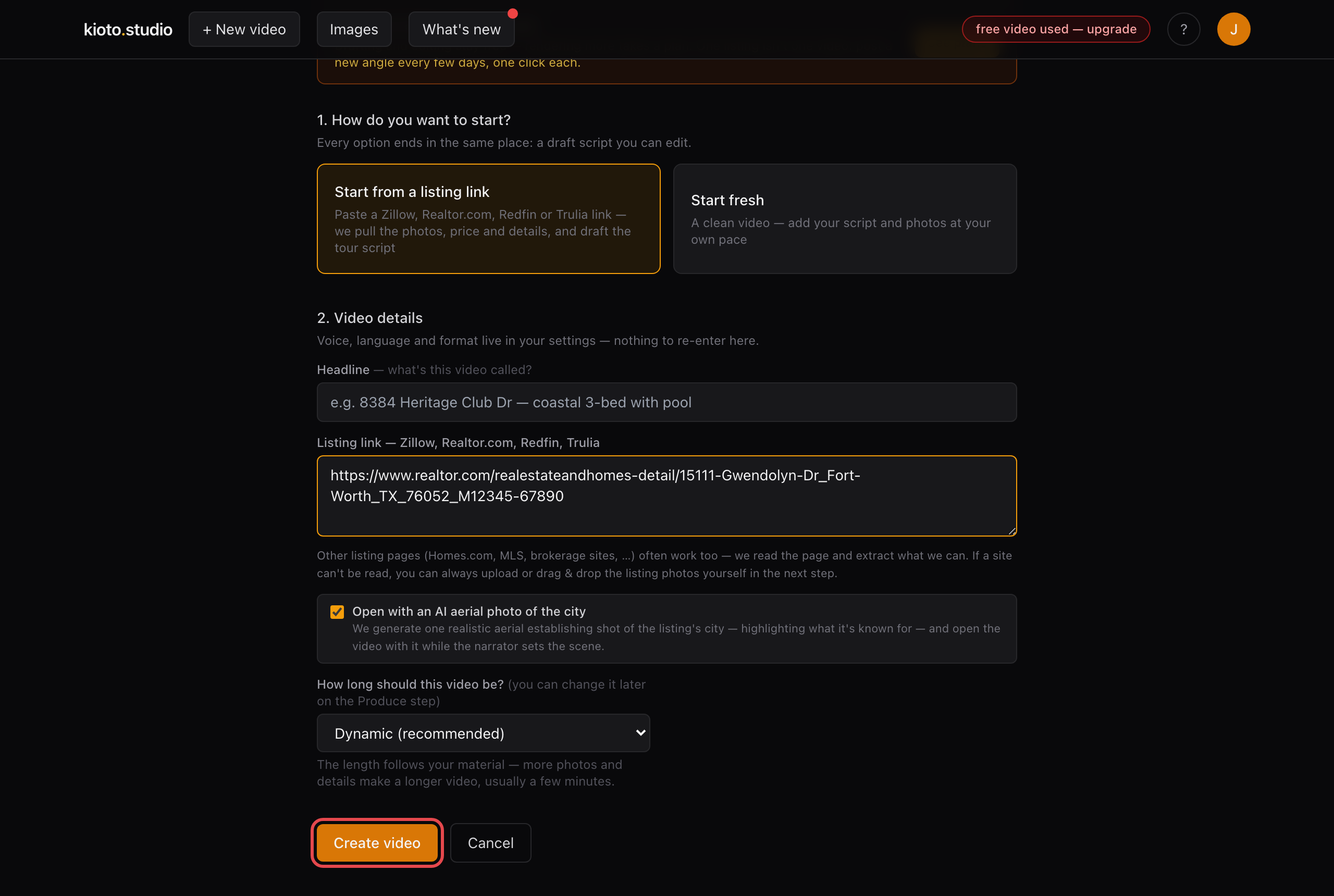
- Click “Create video.” We fetch the photos and draft the narration in about a minute; review it, then click “Generate my video tour.”
Prefer we do it for you? Reply to any Kioto email with what you want changed and we'll handle it the same day.