How do I create my first video tour?
If you got an email from us, your first video is usually already set up — you just open your studio and generate it.
- Open the link in your Kioto email — it signs you in automatically, no password needed. You land in your studio with your listing's photos and a narration script already prepared.
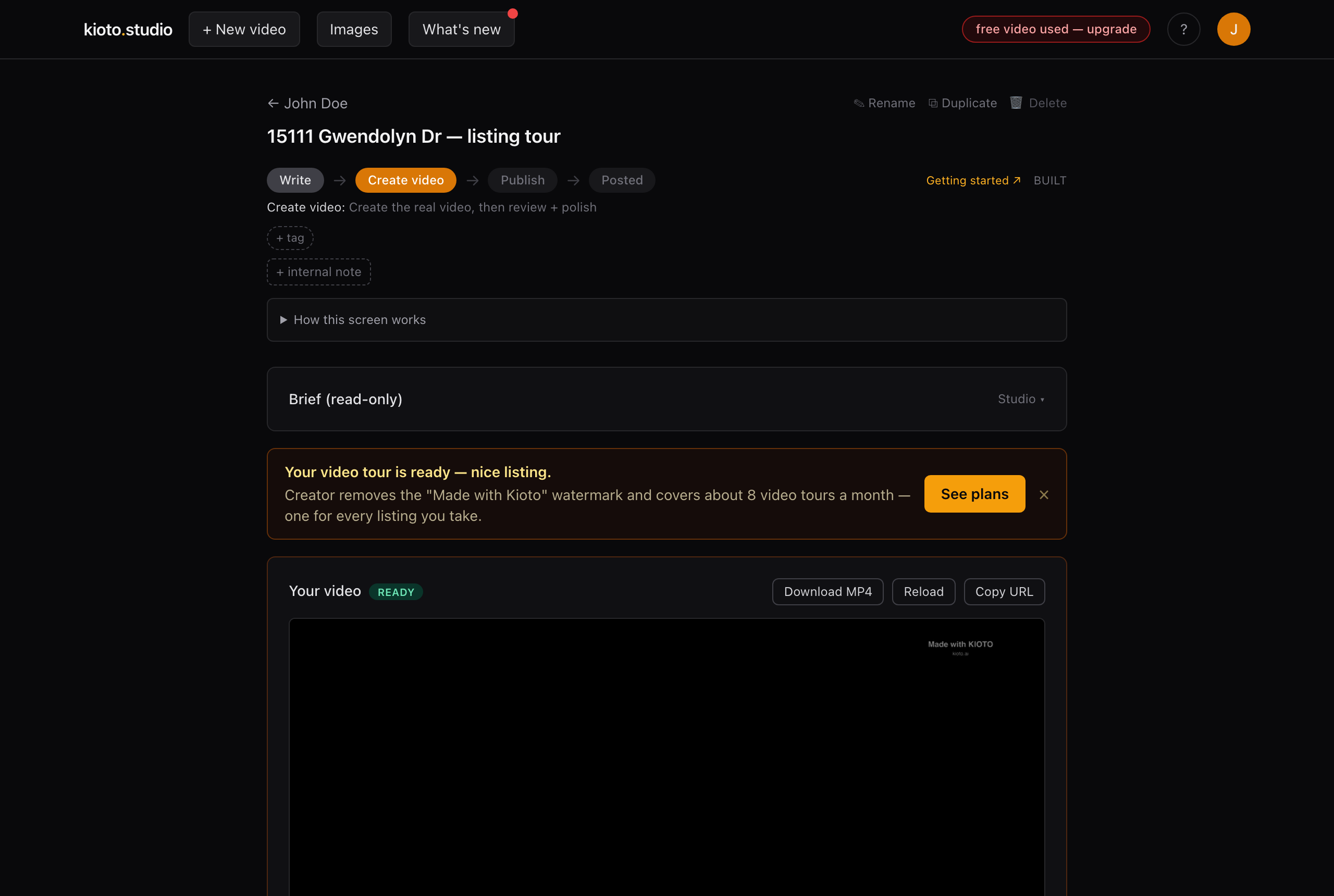
Your studio — the listing, its photos, and the narration, ready to review.
- Review the script and photos (see the editing articles below for how to tweak anything).
- Click “Generate my video tour.” Rendering takes a few minutes — we email you the moment it's ready.
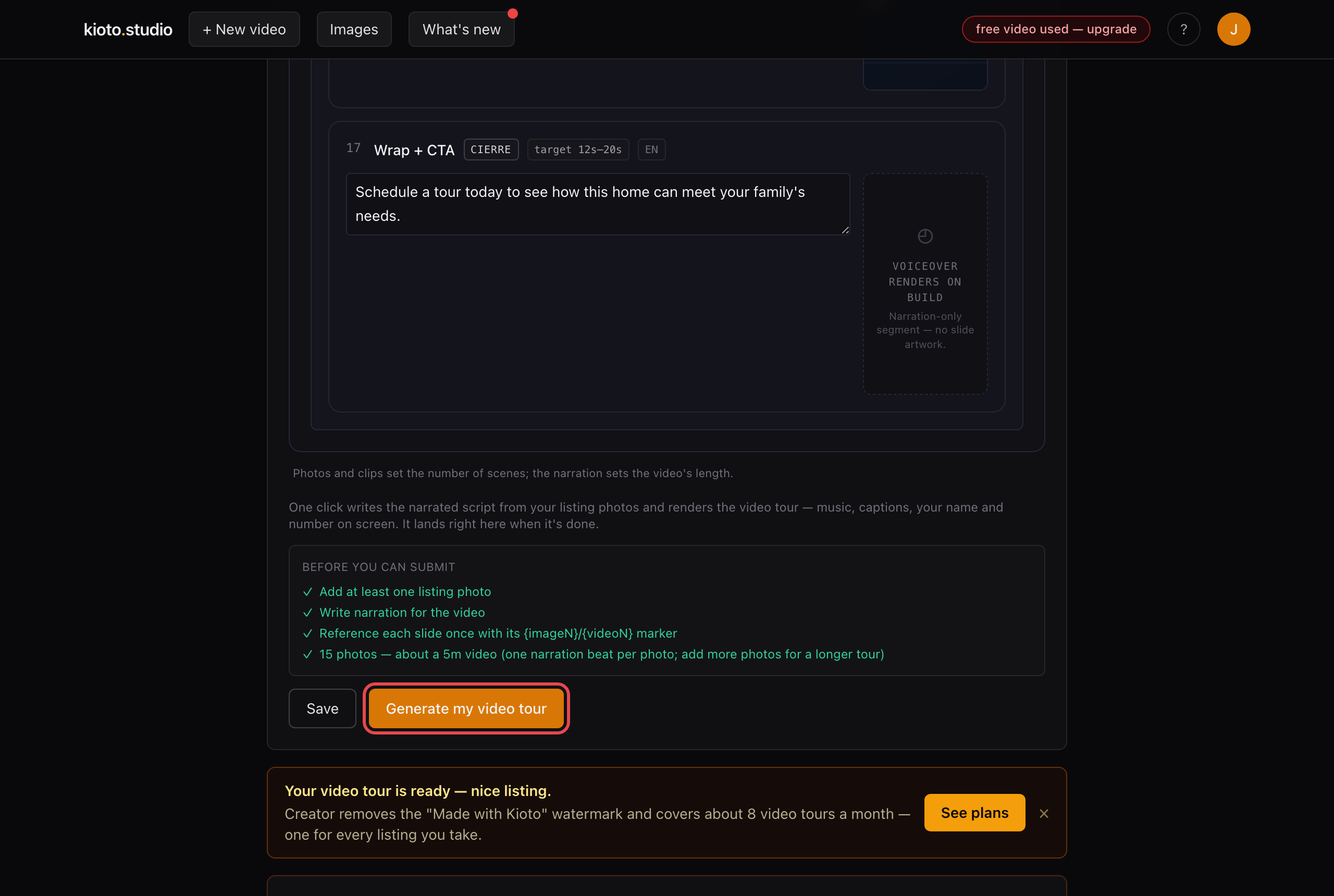
One click — we'll email you when the video is done.
Prefer we do it for you? Reply to any Kioto email with what you want changed and we'll handle it the same day.